
Download SSuite Penumbra Editor – text editor, lightweight, cloud saving, image integration, document history, small developer, writing tool, minimal resource usage
Overview
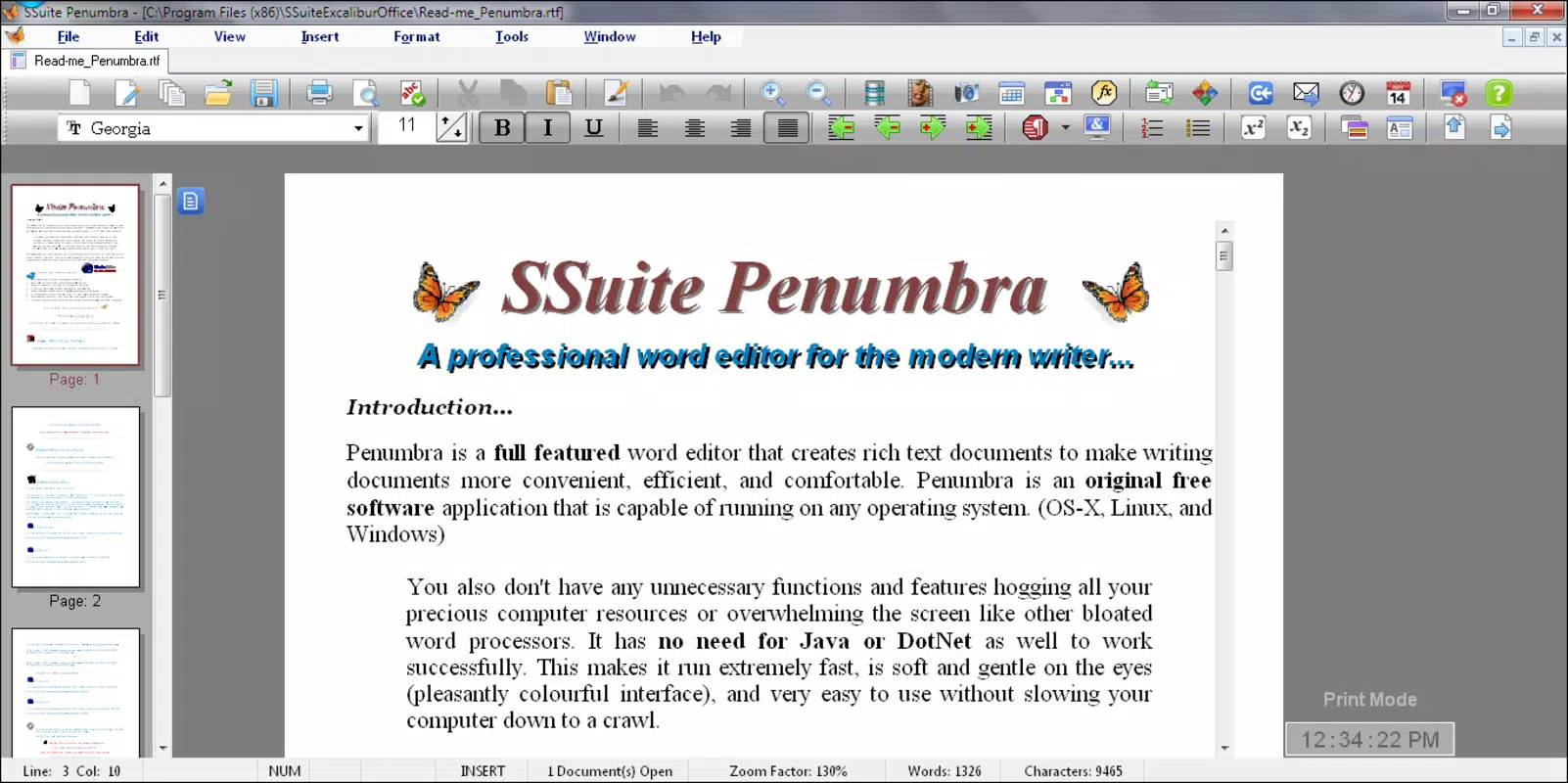
SSuite Penumbra Editor is a streamlined mobile text editing solution designed for users who value efficiency, simplicity, and reliability. Built with minimal resource consumption in mind, it serves as a dependable tool for writing tasks ranging from quick notes to extended creative projects like short stories or full-length manuscripts. The app addresses common pain points associated with bloated text editors—such as sluggish performance, excessive battery drain, and high memory usage—by focusing on core functionality without compromise.
Targeted at both casual users and professionals, Penumbra Editor caters to individuals who prioritize uninterrupted writing experiences over flashy interfaces or feature-heavy designs. Its cloud saving system offers a critical safeguard against data loss, ensuring that important drafts remain secure and accessible across devices. This makes it especially useful for remote work, students managing essays, and writers who rely on consistent document backups.
Developed by SSuite, a name associated with lightweight, user-centric software, the app reflects a commitment to supporting independent developers and delivering high-value tools without commercial bloat. While specific details about the development team were not provided, the app’s philosophy aligns with a growing demand for sustainable, resource-conscious digital tools. In the broader productivity ecosystem, Penumbra Editor fills a niche for users seeking a fast, secure, and minimalist alternative to mainstream text editors.
Key Features & Functionality
- Lightweight Performance: Engineered to use minimal CPU and memory, Penumbra Editor ensures smooth operation even on older or low-end Android devices. This allows users to write without interruptions caused by lag or app crashes.
- Cloud Saving System: Documents are automatically backed up to the cloud, reducing the risk of accidental loss. Users can restore their work at any time, providing peace of mind during long writing sessions.
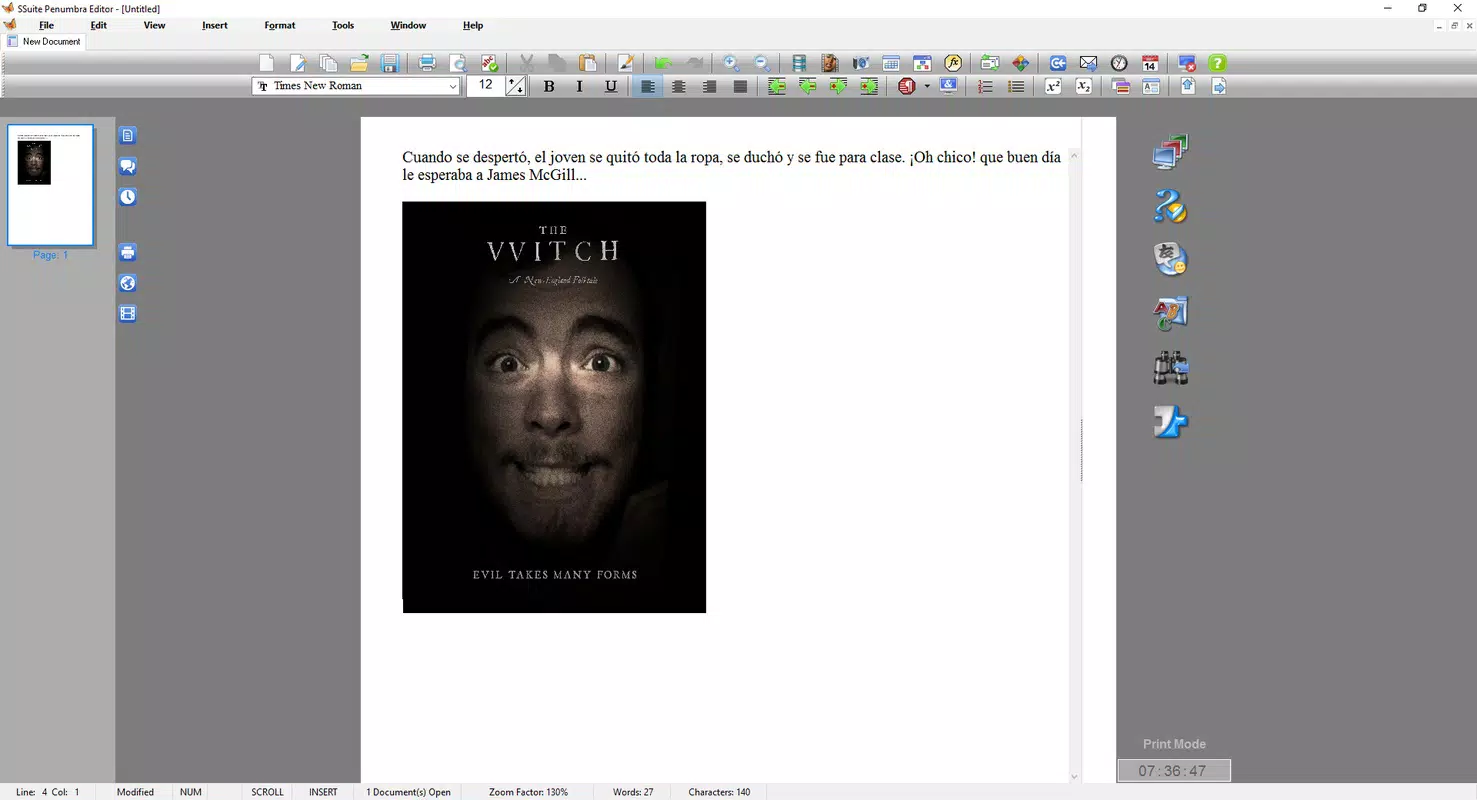
- Image Integration: The ability to insert images directly from a scanner or device gallery enables users to create enriched documents with visual elements, ideal for annotated notes, creative writing, or documentation with diagrams.
- Document History Access: Users can review and restore previous versions of their documents, helping track revisions and recover content that may have been inadvertently deleted or modified.
- Support for Small Developers: By choosing this app, users contribute to a sustainable software ecosystem that values efficiency and user privacy over aggressive monetization.
For example, a student writing a research paper can use the image integration feature to embed charts from a scanner, while the cloud saving system ensures the work is preserved across multiple devices. A freelance writer can leverage document history to compare drafts and maintain version control without relying on external tools.
Interface, UX & Performance
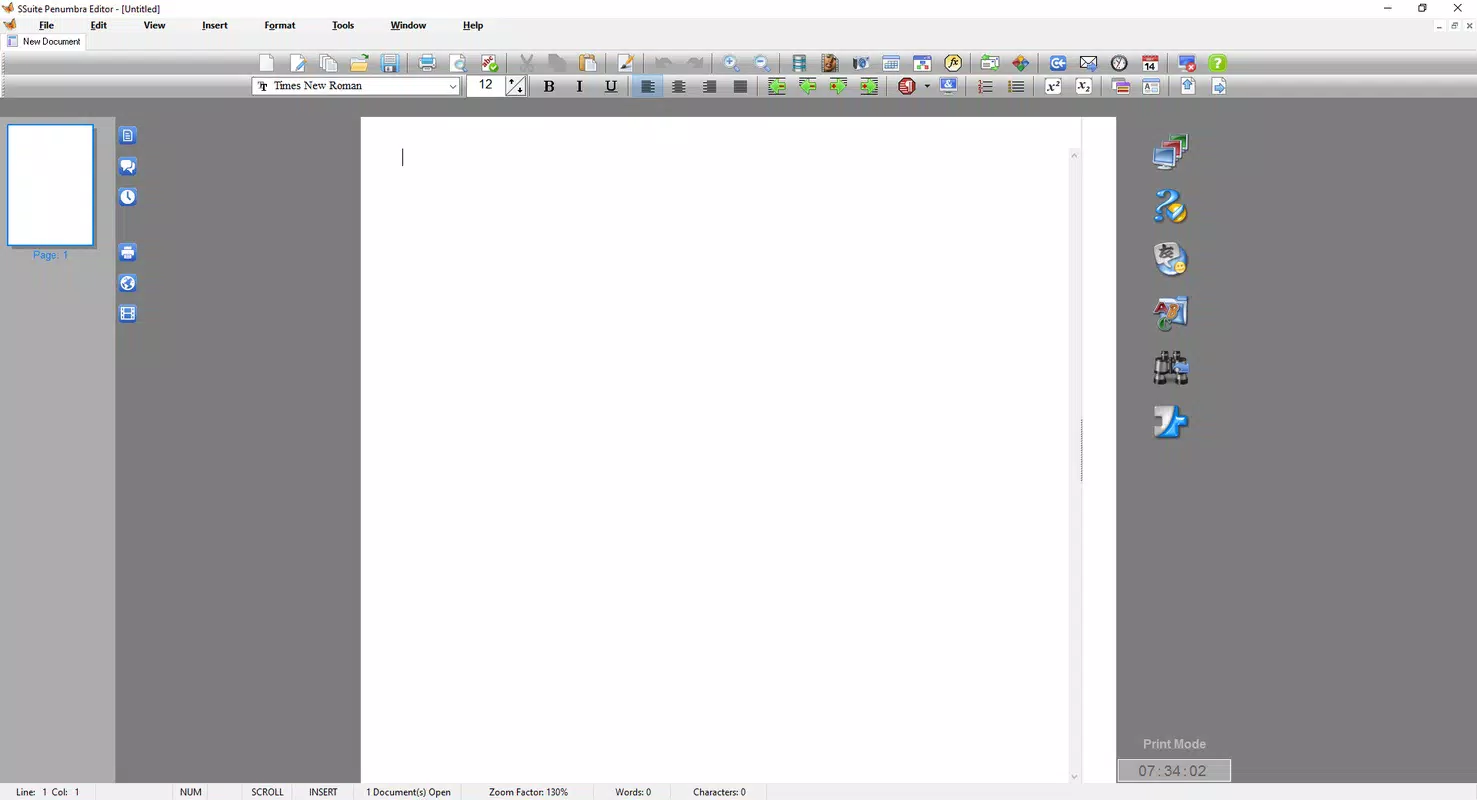
The user interface of SSuite Penumbra Editor is designed with clarity and usability in mind. The layout emphasizes a clean, distraction-free writing environment, minimizing visual clutter and focusing attention on the text. Navigation is intuitive, with essential tools accessible through a simple menu system that does not require extensive onboarding.
Visual styling is minimal, using neutral colors and readable fonts to enhance readability across different screen sizes and lighting conditions. The app maintains consistent responsiveness, with actions like typing, saving, and switching between documents executing quickly and without delay.
Although the developer did not list formal performance metrics, the app’s 1.8 MB size and focus on low resource usage suggest strong optimization. It is expected to function reliably on a wide range of Android devices, including budget smartphones and tablets. Stability appears robust, as the absence of complex features reduces the likelihood of crashes or memory leaks. Users can expect a smooth experience during extended writing sessions, with minimal battery impact.
Platform Compatibility & Technical Requirements
SSuite Penumbra Editor is available on the Android platform, making it accessible to a broad audience of mobile users. The current version is 1.0.0, with a file size of 1.8 MB—indicating a highly compact and efficient application. This small footprint ensures fast installation and minimal storage usage, which is particularly beneficial for users with limited device space.
While the developer did not specify minimum OS requirements or hardware compatibility details, the app’s lightweight design suggests it is likely compatible with Android 6.0 and later. Users are advised to ensure their device meets standard Android system requirements for app installation. No additional permissions or third-party integrations were disclosed, which may contribute to enhanced privacy and security.
Pros and Cons
Pros
- Extremely lightweight with minimal resource usage
- Cloud saving provides reliable document backup
- Supports image insertion for enriched content creation
- Document history enables version tracking and recovery
- Free to download and use, with no in-app purchases
- Supports small developers and sustainable software practices
Cons
- Specific OS version requirements were not listed
- Advanced formatting options were not detailed
- Developer background information was not provided
- Limited customization options for the interface
- No integration with third-party cloud services beyond the built-in system
FAQ
Is SSuite Penumbra Editor safe to download and use?
Yes, the app is free and available through official channels. With a file size of just 1.8 MB and no reported permissions, it is considered secure for general use.
Can I use Penumbra Editor offline?
Yes, the app functions without an internet connection for writing and editing. However, cloud saving requires an active connection to back up documents.
Does Penumbra Editor support multiple file formats?
The developer did not specify supported file types. The app likely focuses on its native format, but export options were not disclosed.
How often are updates released?
Update frequency was not mentioned. Users should check the app store for the latest version.
Is the app suitable for long-form writing?
Yes, its lightweight design and cloud saving system make it ideal for extended writing sessions, including essays, novels, and reports.
Final Thoughts
SSuite Penumbra Editor stands out as a focused, efficient tool for users who value performance and simplicity in their writing workflow. By eliminating unnecessary features and prioritizing minimal resource usage, it delivers a reliable experience on even the most modest Android devices. The inclusion of cloud saving and document history adds essential safety nets, while image integration enhances creative flexibility.
It is particularly beneficial for students, writers, researchers, and anyone seeking a distraction-free, secure, and lightweight text editor. Its free model and support for small developers further strengthen its appeal in a market dominated by large corporations.
Download SSuite Penumbra Editor now


